Every frame,
the same film.
A wedding gallery lives or dies on consistency. Cineon renders the same Fuji 400H pastels and Portra skin tones across hundreds of frames — without batch presets drifting from shot to shot. Right in your browser.
Use every effect free. No credit card required.

Loved by 12,000+ photographers — and counting
Why it holds up across a gallery
The film look, consistent for 600 frames.
Physically-based engine
Grain that behaves like film — not a texture overlay.
Cineon models the raw interaction of light and chemistry. Grain reacts to exposure, halation blooms around highlights, and color shifts the way real stock does. The same physics runs on every frame, so a gallery reads like one roll — not fifty separate edits.

Save once, apply to the roll
Build your signature look, then reuse it forever.
Dial in your chain — exposure, color, grain, halation — then save it as a preset and apply it across the whole shoot. Reorder anything when a venue's light changes. No more re-grading every gallery from scratch.
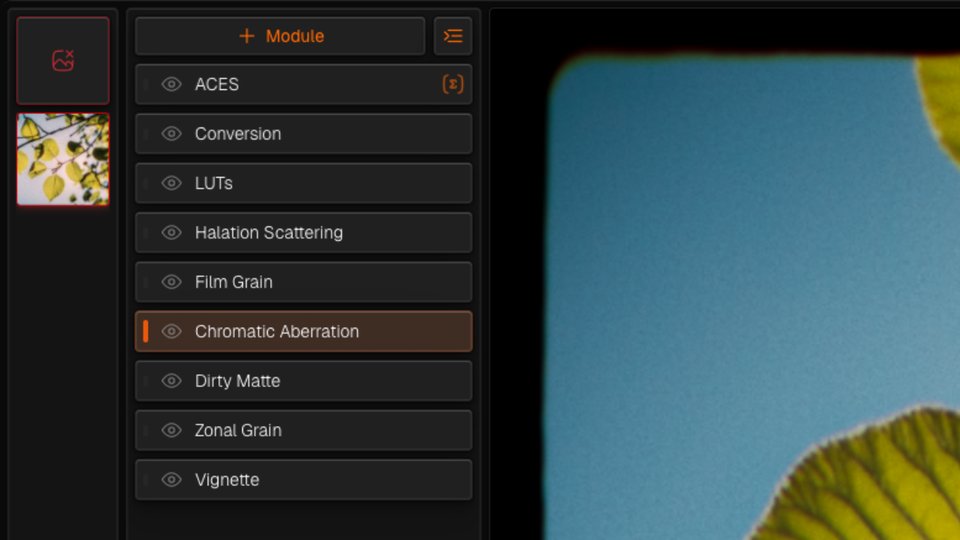
Built for delivery speed
Flip through a whole roll without waiting.
Drop a strip of scans, flip between them, and see your look applied in real time. No render queue, no external app, no GPU bottleneck — so culling and grading hundreds of frames stops eating your week.
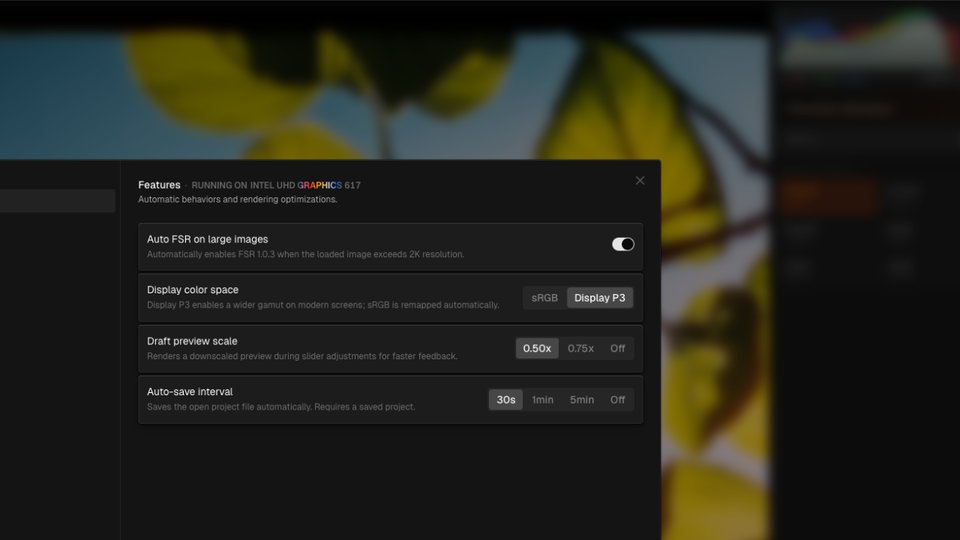
Every module
34 modules, in the order light meets them.
Results
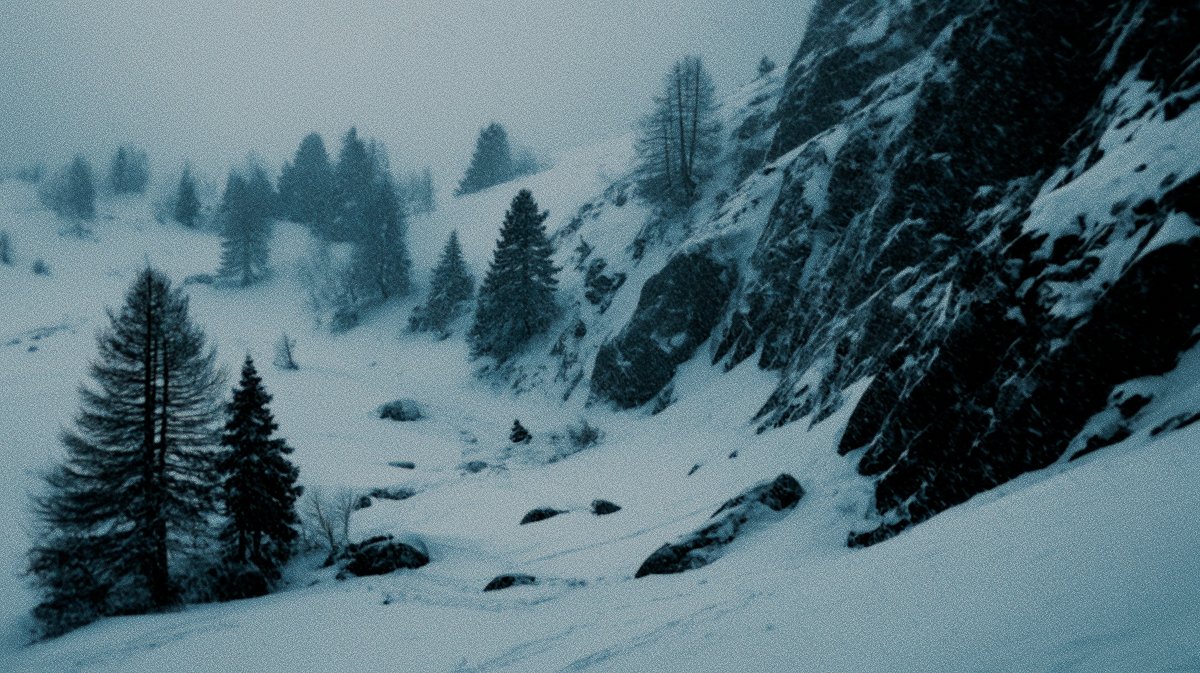
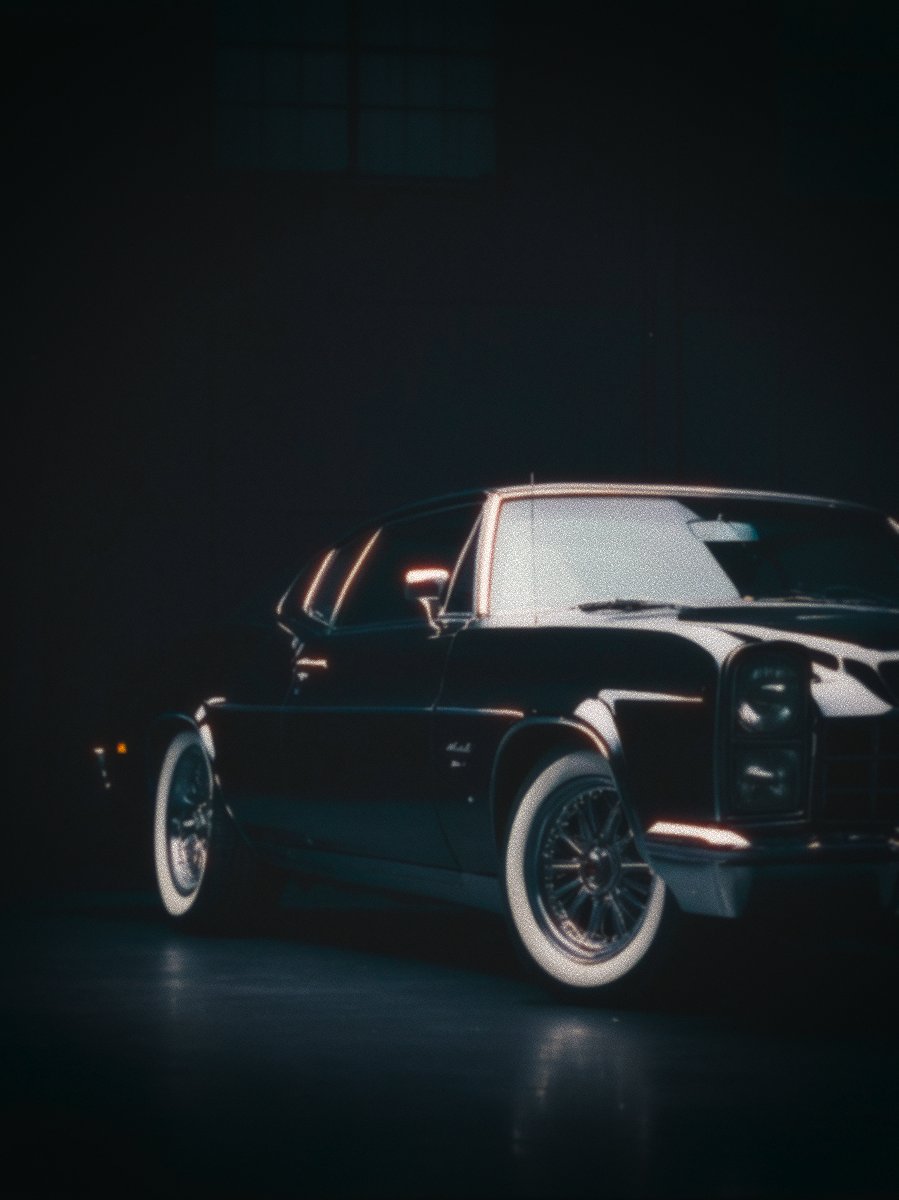
Shot once, processed forever.













The honest comparison
Cineon vs. your current wedding workflow
From wedding shooters
Galleries that finally look like one roll
“My couples want that timeless film gallery. Cineon is the first thing that kept Fuji 400H consistent from the church to the dance floor — without me babysitting every frame.”
“I save my look as a preset and the whole wedding grades in an afternoon. Delivery weeks used to wreck me.”
“Skin tones hold up in mixed light better than anything I tried in Lightroom.”
“Runs in my browser between sessions. No app to launch, no plugin to update.”
“The halation around the candles at receptions is exactly right. Clients notice.”
“I switched my whole post workflow over. One gallery, one look, no drift.”
“Reordering the chain when the light changes is the feature I didn't know I needed.”
Pricing
Every effect is free. You pay to export
No account, no card, no watermark on what you're editing. Cancel whenever.
Cineon Pro
- Watermark-free exports
- Full-resolution exports (no cap)
- 16/32-bit TIFF for color grading
- Unlimited image slots + batch export
- Save & reuse custom presets
- All future in-browser features
Cineon Pro
−38%$10.00/month billed annually — save $72 a year.
- Watermark-free exports
- Full-resolution exports (no cap)
- 16/32-bit TIFF for color grading
- Unlimited image slots + batch export
- Save & reuse custom presets
- All future in-browser features
Your couples deserve a gallery that looks like film
Built for photographers who deliver a consistent, timeless look — not a folder of mismatched edits. Get in early and grade your next wedding in Cineon.
Use every effect free. No credit card required.
Affiliate program
Love Cineon? Get paid to share it.
Earn 20% on every plan you refer — recurring for up to 12 months on subscriptions, paid once on lifetime. Paid out automatically through Stripe, no minimum.
- 1.
All effects in Cineon run on the iGPU and GPU via WebGPU — including halation, film grain, exposure, bloom, and color science tools. A modern browser with WebGPU support is required: Chrome 113 or later, or Microsoft Edge 113 or later. Firefox and Safari do not yet support WebGPU and are not supported.
- 2.
Cineon runs entirely in your browser — no software to install, no files sent to a server. Your photos stay on your device at all times.
- 3.
Minimum setup: 8 GB RAM and a graphics chip with WebGPU support — such as an Intel Iris Xe, AMD Radeon RX 5000 series, NVIDIA GTX 1060, or Apple M1. For comfortable editing of large RAW files and HDR images, 16 GB RAM and a dedicated GPU — such as an NVIDIA RTX 3060, AMD RX 6700 XT, or Apple M2 Pro — are recommended. Apple Silicon Macs (M1 and later) run Cineon exceptionally well.
- 4.
Every effect in Cineon is processed at the highest internal precision available — the equivalent of a 32-bit professional editing workflow — so there is no quality loss between effects, no matter how many you stack.
- 5.
HDR photos are supported natively, including files from iPhone (HEIC), professional cameras (TIFF), and high-end scanning workflows (OpenEXR). Standard JPEG, PNG, and WebP files are fully supported as well.
- 6.
Export is available in TIFF 16-bit and TIFF 32-bit — lossless formats accepted by Photoshop, Lightroom, Affinity Photo, and other professional software. JPEG, PNG, and WebP export is also available for sharing and web use.
- 7.
Our Film Grain models the actual chemical behavior of silver halide crystals in photographic emulsion — the same underlying science published in peer-reviewed imaging research — rather than applying a simple texture overlay. The result is grain that responds to light, shadow, and color the way real film does.
- 8.
Optical Engine simulates the physical behavior of real camera lenses, including how light bends through glass at different wavelengths. The colored fringing, focus falloff, and bokeh shape you see are derived from ray-by-ray calculations — not artistic presets.
- 9.
Processing speed depends on your computer, the resolution of your photo, and the number of effects active. A draft preview at reduced resolution is always available while the full-quality result is being calculated in the background.
- 10.
Some multi-threaded performance features require a browser context with cross-origin isolation enabled. This is active on cineon.app and has no impact on how you use the app.
- 11.
Cineon is designed for desktop use. A screen width of at least 1280px is recommended for the full editing interface. Mobile browsing is supported for account access and light previewing.